Assignments, sorted
Assign the right people to the right place and time. Everyone knows their schedule without a single follow-up.
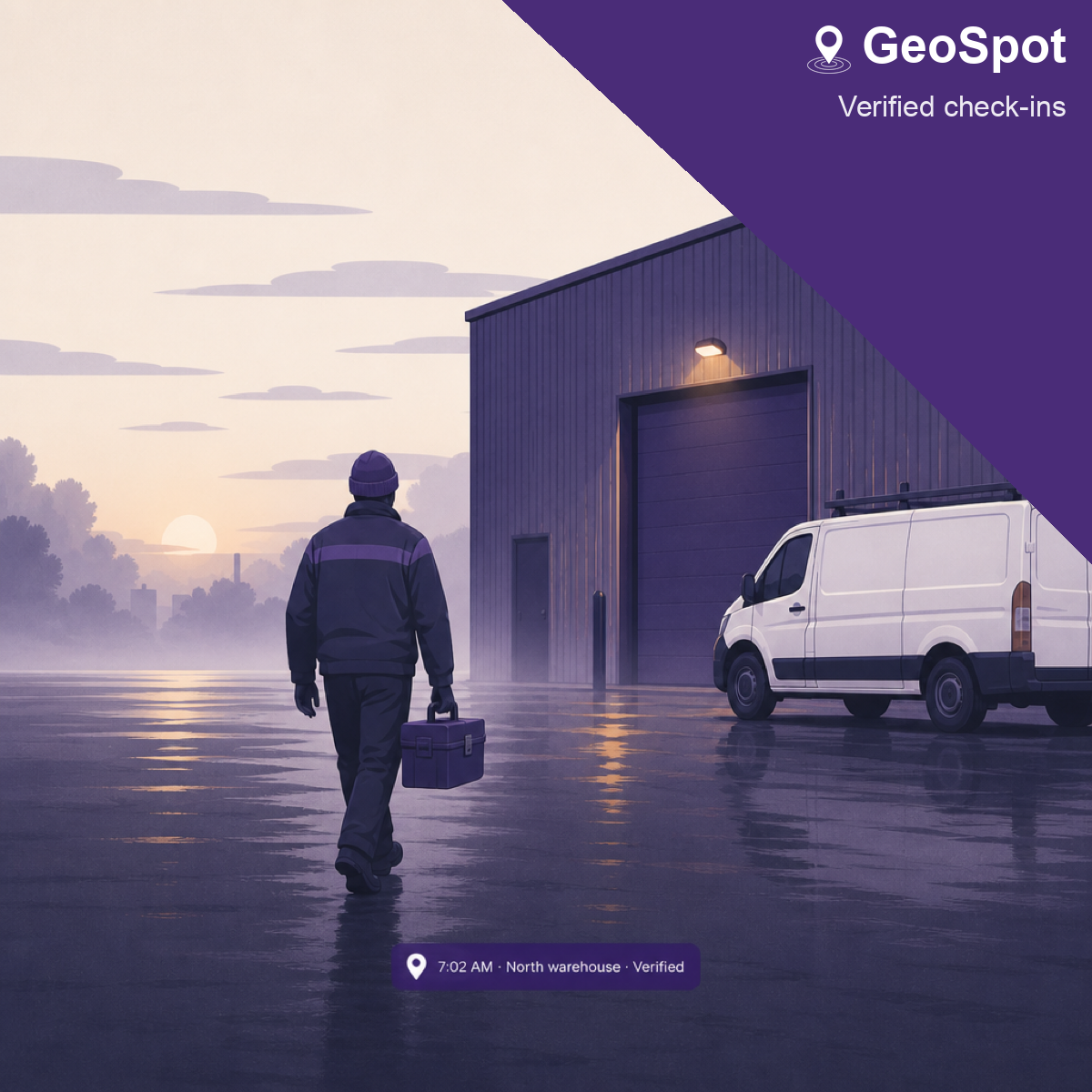
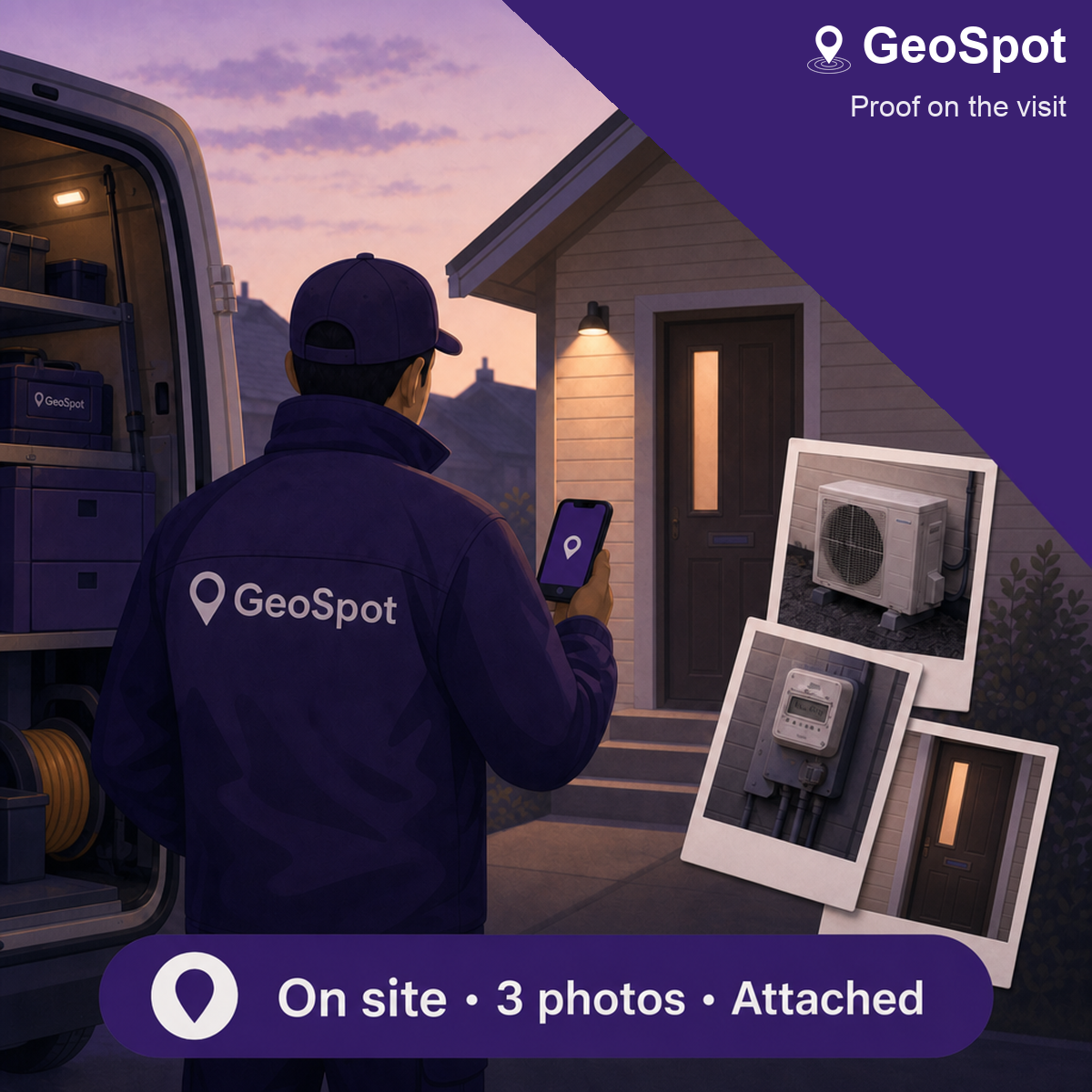
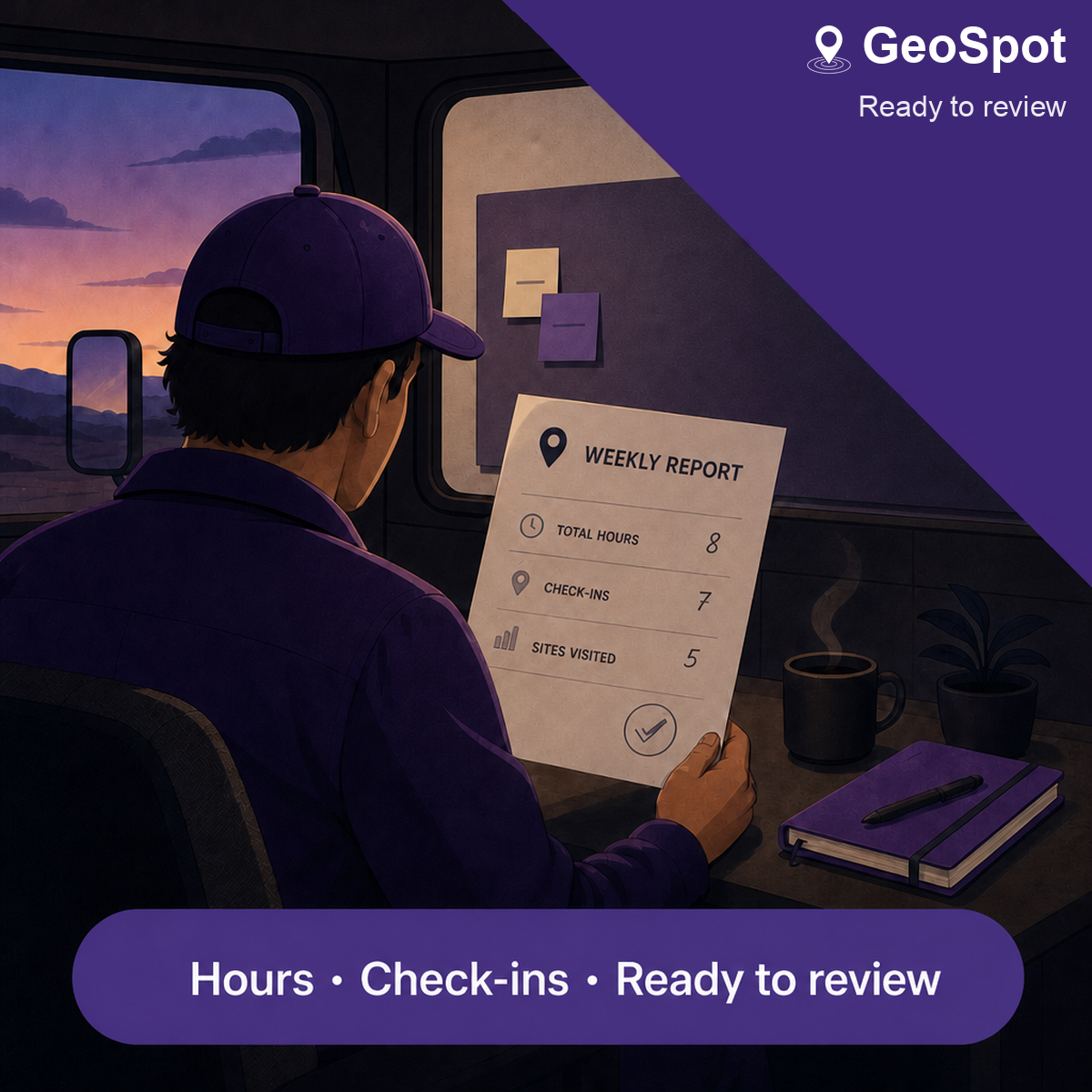

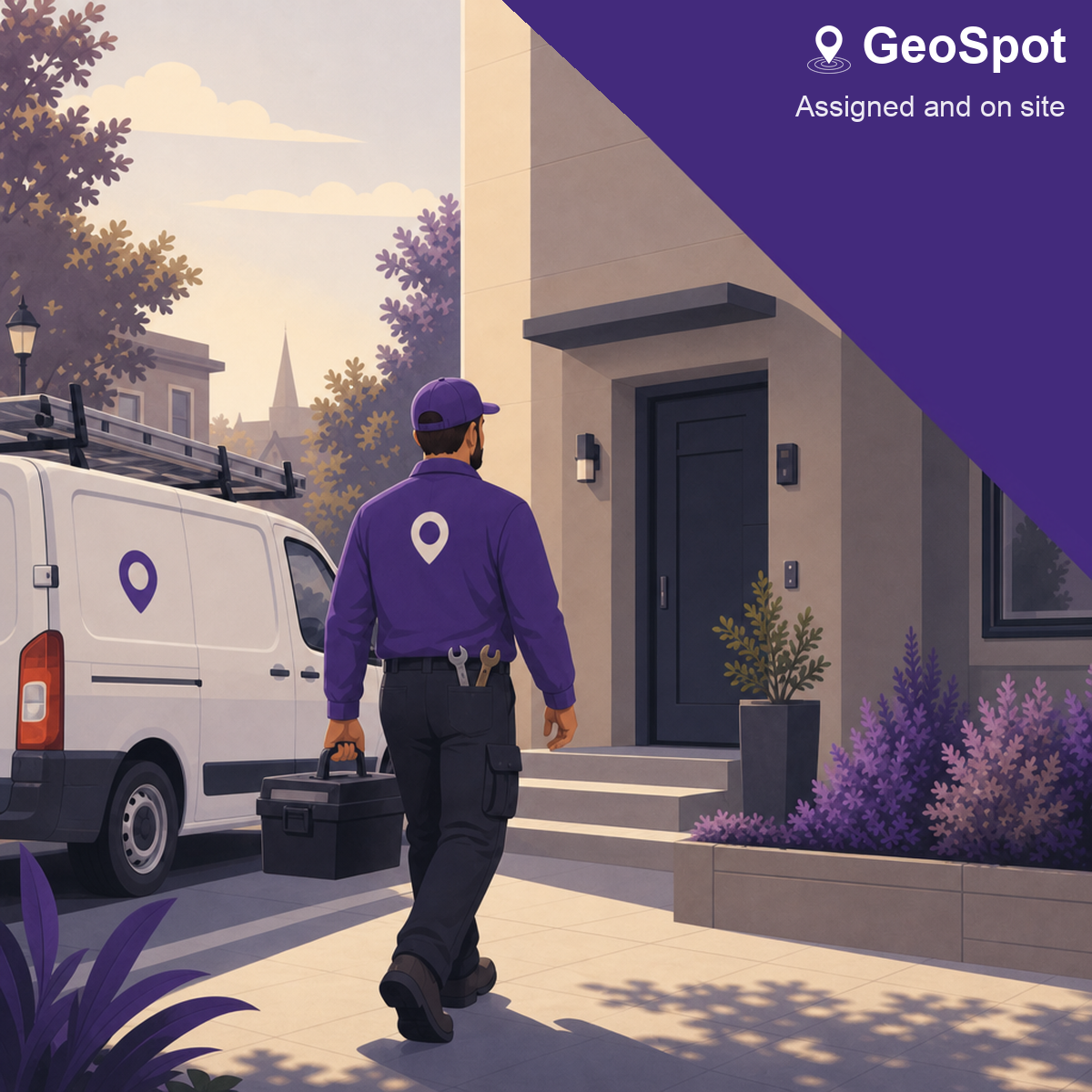


They text “I’m here.” You still don’t know they were on site.
Built for teams that work across multiple locations
GeoSpot verifies arrival in the app — at accepted workplaces, not all-day GPS. Photos stay on the visit. Hours and check-ins are ready to review at the end of the week.
For field supervisors, dispatchers, and working owners — patrols, trades, commercial and house cleaning, home service, and inspections.
Download GeoSpot — free on iPhone
The work happens in the app: check-ins, photos, and reports.
Everything you need
Scheduling, check-ins, and proof for teams across multiple sites.
Assign the right people to the right place and time. Everyone knows their schedule without a single follow-up.
Your team checks in on site, on time. Every arrival is confirmed and logged — no more "I'm here" texts.
Every check-in can carry photos and video straight from the location — so you see exactly what is happening on the ground.
Hours and check-in history land in front of you, ready to review — not chased down at the end of the week. Not payroll or timesheets.
Owners, managers, and team members each get the tools for their job. Nothing extra, nothing missing.
Seats, sites, and history are right there up front — grow across locations without hitting a surprise limit.
Who it's for
GeoSpot fits any operation where people show up at locations and you need to know the visit happened.
Confirm every route stop with verified check-ins and on-site photos — not a text that says "all clear."
Assign service calls by location and time, then see who arrived, when, and what they documented on site.
Give consultants and technicians one place to check in, attach photos, and close out visits — no follow-up texts.
Capture proof from each visit with photos and video attached to the check-in record.
Prove the night crew hit every building and floor — not a text that says the route is done.
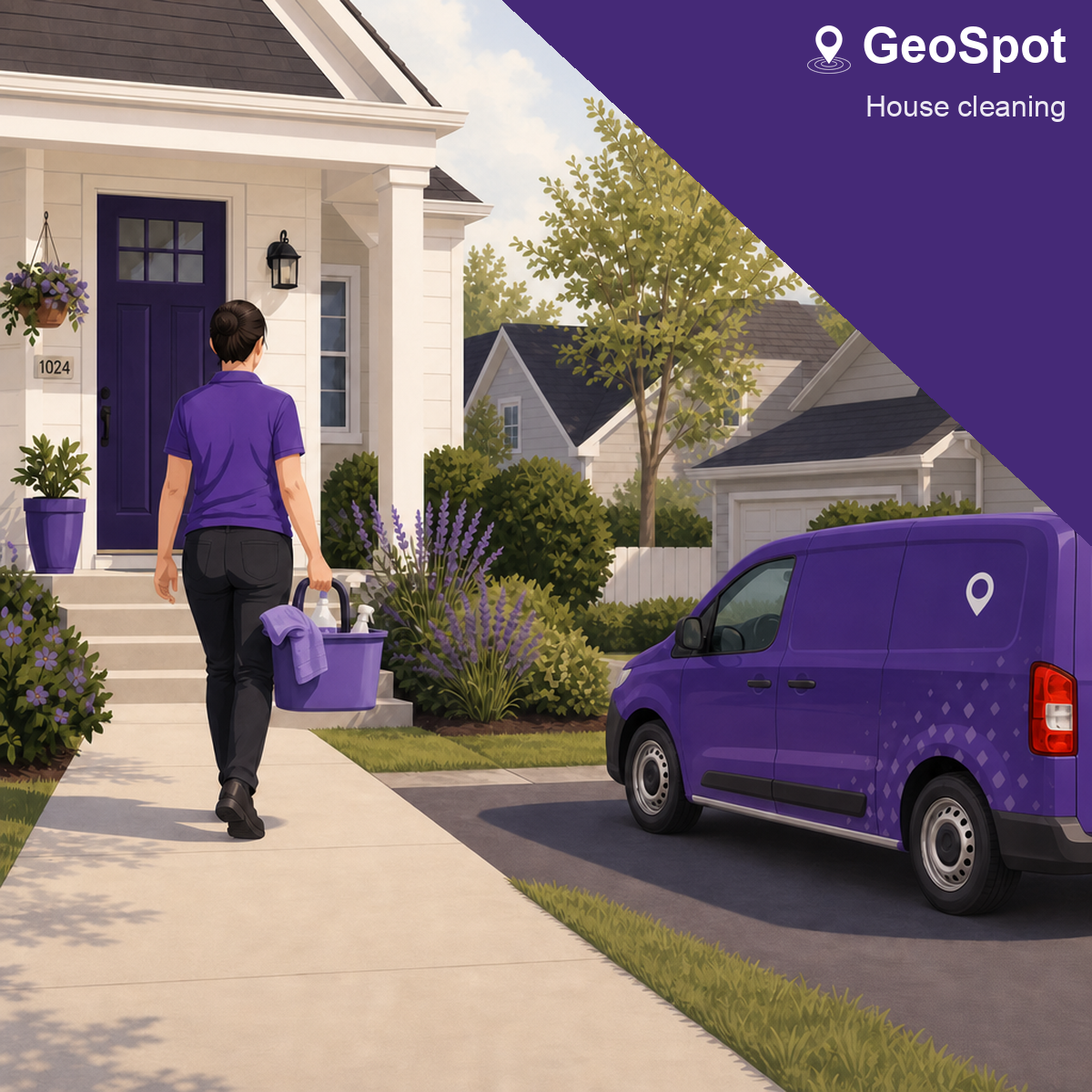
See which homes were visited, when, and what was documented — without chasing the crew at day’s end.
Why GeoSpot
Most teams start with texts and shared docs. GeoSpot replaces the follow-up with verified check-ins and ready-to-review reports.
How it works
No spreadsheets, no group chats, no 'did you get my text?'
01
Add your locations and schedules once. Reuse them for every assignment from then on.
02
Send assignments to the right people for the right place and time. They accept in a tap.
03
Your team checks in when they arrive — with photos or video of the situation on the ground.
04
Hours, check-ins, and site updates roll into a report you review — no chasing anyone down.
No surprises
Start free. Add seats as you grow. Cancel anytime.
Start with a small team validating site coverage.
No paid blocks required.
For teams coordinating regular site visits.
Add 5 members for $29/mo
For growing organizations with many sites.
Add 5 members for $29/mo
Privacy-first workforce data
Location and check-in data are handled for your organization — not sold for ads. Privacy Policy
Questions before you start?
Talk to us about setup, rollout, or early mobile access.
Transparent pricing
Start free, upgrade when you need more. Cancel anytime.